
Record keeping
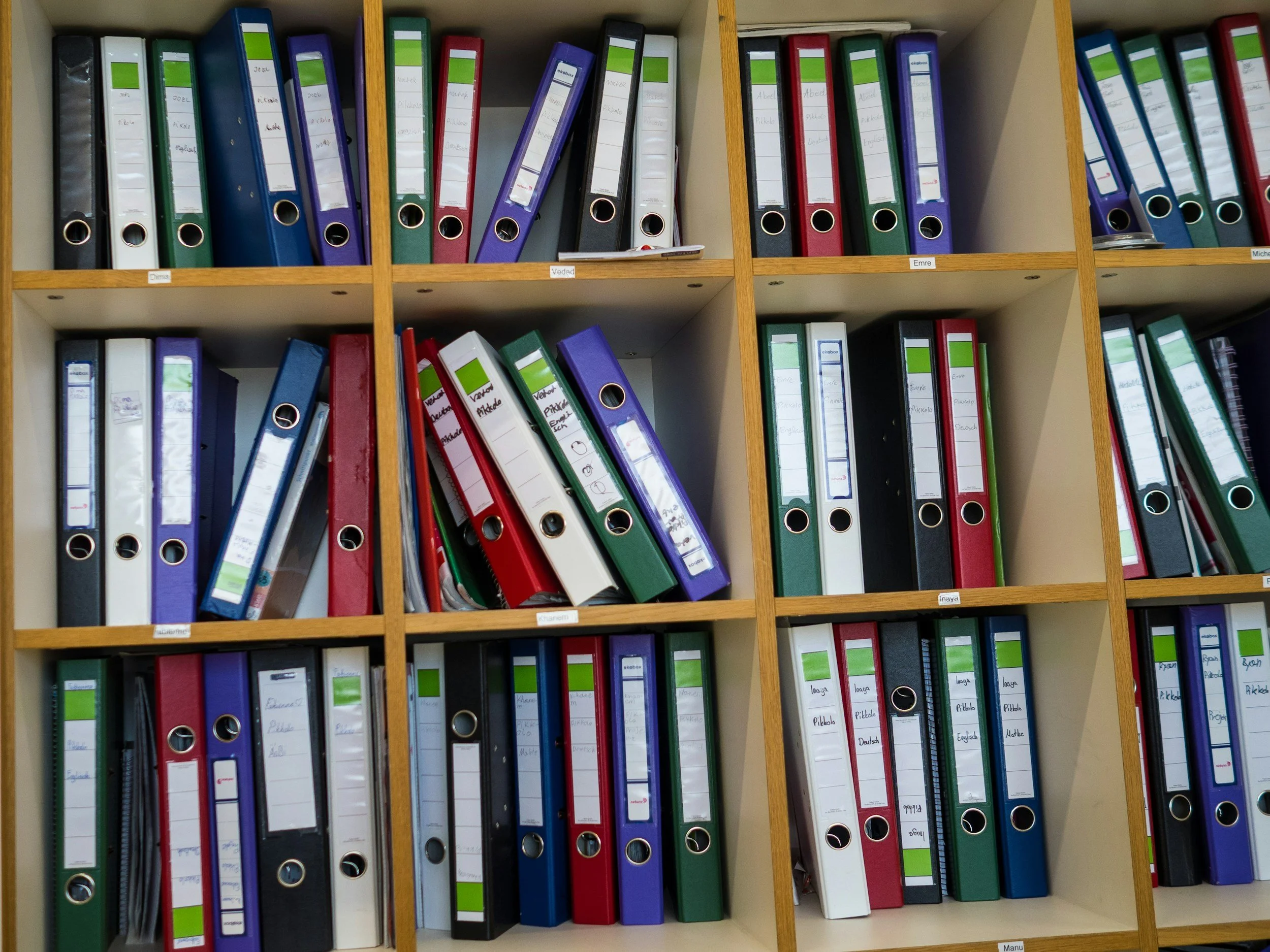
Record keeping is rarely the part of running a business anyone looks forward to. New clients, the first invoice, maybe a proper logo – those are the exciting bits. The paperwork behind them tends to get pushed to the bottom of the list.
It is worth pulling back up, because good records make everything else easier. They tell you how the business is really doing, they make your accounts and tax return cheaper to prepare and they protect you if HMRC asks questions. Here is what to keep, what good practice looks like and where software can take most of the work off you.
Your business's memory
Think of your records as your business's memory. Without them you are guessing – about what you earned, what you spent and whether you are actually making money. Guessing is stressful, and it is usually expensive.
Clear, accurate records will:
Help you monitor income, costs and profitability while there is still time to act
Make your tax return and accounts quicker to prepare
Reduce the risk of errors, penalties or an enquiry from HM Revenue & Customs
Save you time, and accounting fees, at the year end
Give you evidence if HMRC asks you to explain something
What the law requires
Every UK business has to keep records that support the figures reported on its tax returns. They need to be accurate and complete, kept up to date and stored safely, whether on paper or electronically.
You also have to keep them for a set period after the tax year they relate to. How long depends on the type of business and the taxes involved – the current retention periods are on our tax rates page. HMRC can open an enquiry long after the event, and almost nobody recalls the detail of a transaction from that far back.
As a minimum, keep records of:
Sales and income
Business expenses
VAT, if you are registered
Payroll records, if you employ anyone
Bank statements and cash records
If you are VAT registered the requirements are stricter and digital record keeping is mandatory under Making Tax Digital. If you are not certain your set-up meets that standard, it is one of the first things we check when we take on VAT work.
What counts as a record
Put simply, anything that proves a transaction happened. Photos and PDFs are ideal – you do not need shoeboxes of paper.
Invoices you have issued
Receipts and invoices for things you have bought
Bank statements
Mileage logs
Payroll reports
Contracts with suppliers, customers or employees
Email confirmations
The habits that make it painless
Record transactions little and often. Update your records weekly or monthly. Do not wait until January with a carrier bag of receipts and a strong coffee.
Use a separate business bank account. Even as a sole trader. Running the business through your personal account blurs the line between the two, which costs you at the year end and makes life harder if HMRC ever asks questions.
Keep digital copies. Photograph receipts the moment you get them and store them in your accounting software or in cloud storage, organised into folders – income, expenses, mileage, VAT – in date order. Nothing is then lost if a laptop is.
Keep business and personal spending apart. This is a big one. Mixed spending causes tax mistakes, lost deductions and stress during an enquiry. If something is genuinely part business and part personal, write a note explaining how you split it.
Reconcile to your bank. Each week or month, check that your records match your bank. It is the simplest way to catch a missing or duplicated transaction before it becomes a problem.
Choosing a system
You do not need anything fancy to start. Most businesses end up with one of three approaches.
A spreadsheet. Fine for a very small business. List transactions down the page, either mirroring your bank on one tab or splitting into tabs for income, expenditure and adjustments such as use of home or mileage. Record the date, a description, the type of income or expense and the amount, with a column for anything split between personal and business use.
Accounting software. The sensible choice once things grow, and increasingly the only option – digital reporting requirements mean a spreadsheet alone will not be enough for many businesses.
Bookkeeping support. If numbers stress you out, or you never find the time, paying someone monthly often costs less than correcting the mistakes that build up without them.
Let the software do the work
This is the part that has changed most. Cloud bookkeeping software now does the majority of this for you, provided it is set up properly. Your bank feeds straight in, you photograph a receipt and it attaches itself to the transaction, invoices number themselves and VAT is calculated as you go.
The caveat is in those three words: set up properly. Badly configured software produces tidy looking nonsense, which is harder to unpick than a shoebox. Getting the chart of accounts, bank rules and VAT settings right at the start is what makes the rest work.
We are certified advisors for both QuickBooks and Xero, so whichever you use – or if you have not chosen yet – we can set it up correctly, show you the parts you want to keep doing yourself and take on the rest through our bookkeeping service.
A simple monthly routine
Half an hour a month, in this order:
Import or download your bank statement
Record income, expenses and mileage
Match the transactions to the bank
Upload the receipts
Check the bank reconciles
Check your profit
Done. Put it in the calendar like an appointment you would not miss. Record keeping is not about being perfect – it is about being organised enough that tax season stops being frightening.
Questions worth asking
Could I produce a receipt for every business payment made in the last few months?
Do I have a separate business bank account, and is everything business going through it?
How long am I required to keep my records, and do I still have everything from that period?
Does my bank actually reconcile, or am I assuming it does?
Will my current system cope with digital reporting requirements?
Would monthly bookkeeping cost me less than rebuilding a year of records each spring?
This is general guidance rather than advice for your particular situation, and the right answer usually depends on the detail. If you would like to talk it through, the first call is free – get in touch.
Get in touch.
The first call or meeting is free, and there's no obligation at the end of it. Tell us what's going on and we'll tell you honestly what we'd do about it.